
Ray Edits CapCut Template: 11 CapCut Links to Compare (Then Choose Your Route)
 Burning Bridges Studio
Curated CapCut template-detail links people mean by “ray edits CapCut template”: New Trend Edit, End of 2026 / 2026 Memories, and multiple Ray edit listings — with creators and use counts checked 2026-10-27. Match the preview, or use a one-photo party workflow.
People search ray edits CapCut template after seeing a reel, a CapCut link, or a post on a Ray Edits-style resource site. That phrase helps you find CapCut edits promoted that way. It does not name one official template, and this page is not CapCut, RayEdits.in, or any template creator.
Burning Bridges Studio is an independent AI video tool. We do not host CapCut projects or sell CapCut templates. Below: 11 CapCut original template pages we opened and checked on 2026-10-27 (title, creator, uses/likes when shown), how to match the edit you saw, and when a one-photo party video fits better than a replaceable-slot template.
Uses and availability change on CapCut. Always watch the full preview on CapCut before you commit — same title can be a different edit.
CapCut templates to open (checked 2026-10-27)
Sorted roughly by CapCut uses shown on each template page that day. Each card shows the CapCut cover we saved from that template’s page (or the matching finder preview when CapCut CDN blocked the download). Open the CapCut link and still watch the full motion preview before using — a cover frame is not enough.
-
New Trend Edit — creator Rajan Editz · ~116.53K uses · ~1,737 likes · aspect 9:16. Finder sites often call the same CapCut page “New Trend Edit — Emoji Reaction”.

-
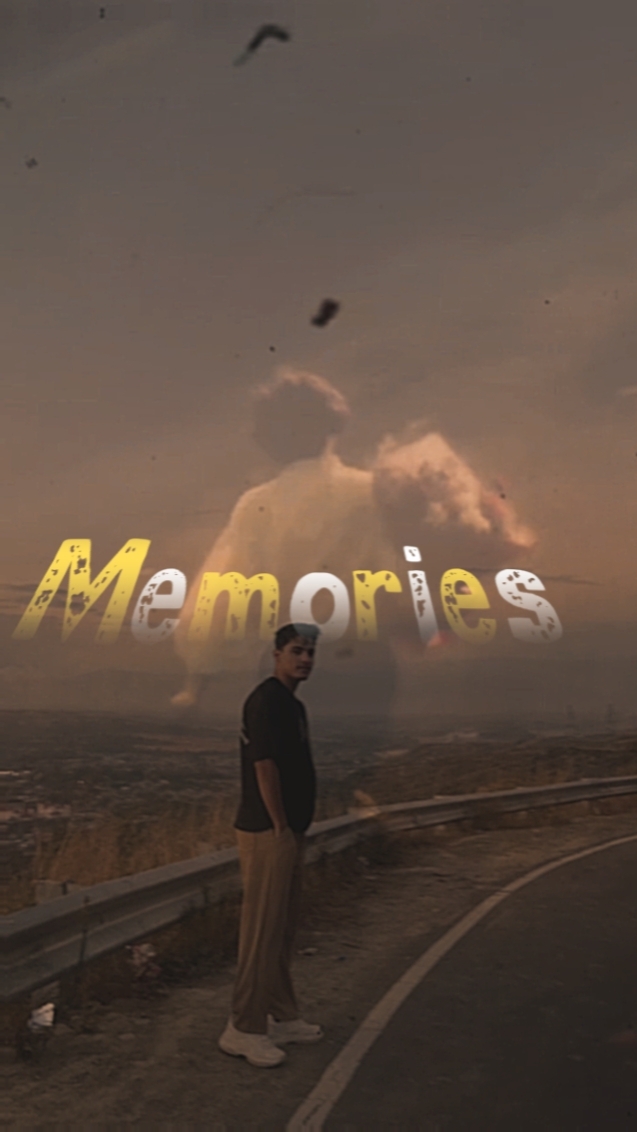
End of 2026 — creator Shazy Here · ~58.74K uses · ~5,654 likes · aspect 9:16. Ray Edits-style articles often label this 2026 Memories; CapCut’s own title is End of 2026.
-
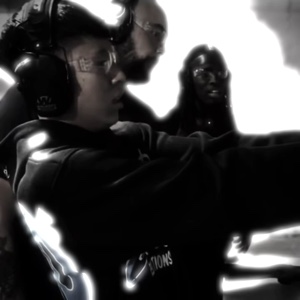
Ray edit 🔫 — creator DarkNebula · ~18.23K uses · ~3,098 likes · aspect 1:1.
-
New Trend Edit — creator Herri · ~6.59K uses · ~2.31K likes · 17 clips · aspect 1:1. Same title family as #1, different creator.

-
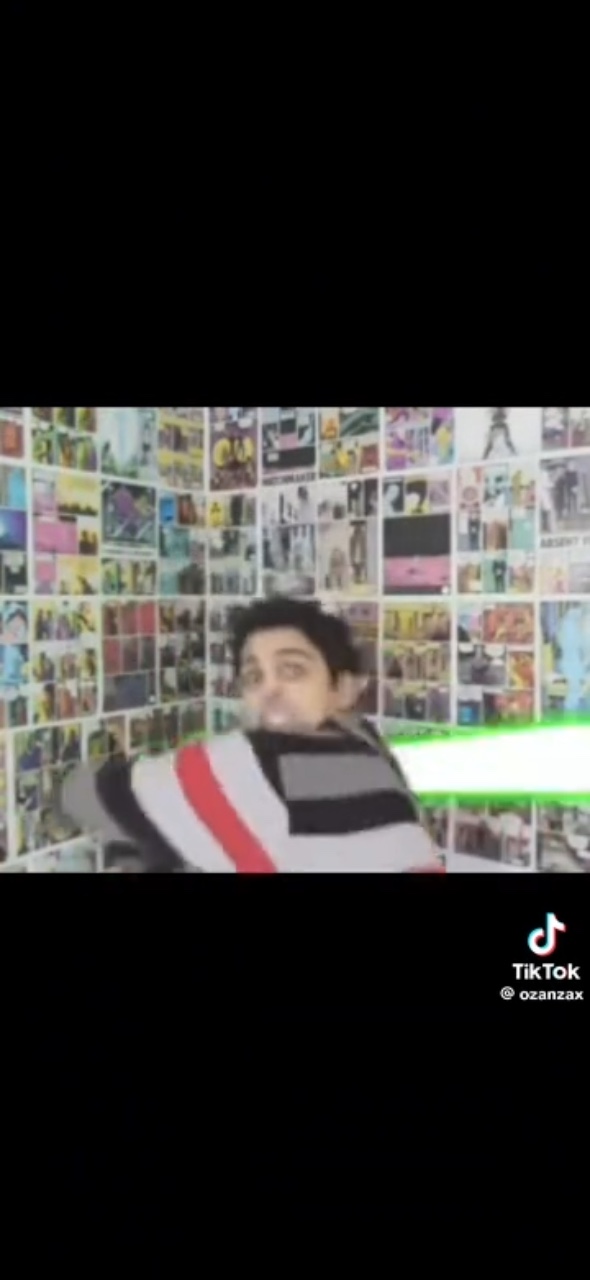
Ray edit — creator plague! · 208 uses · 2,318 likes. CapCut subtitle: Ray William Johnson edit.
-
Ray edit! Requested! — creator Hagekuree♡ · 82 uses · 1,362 likes · aspect 16:9.

-
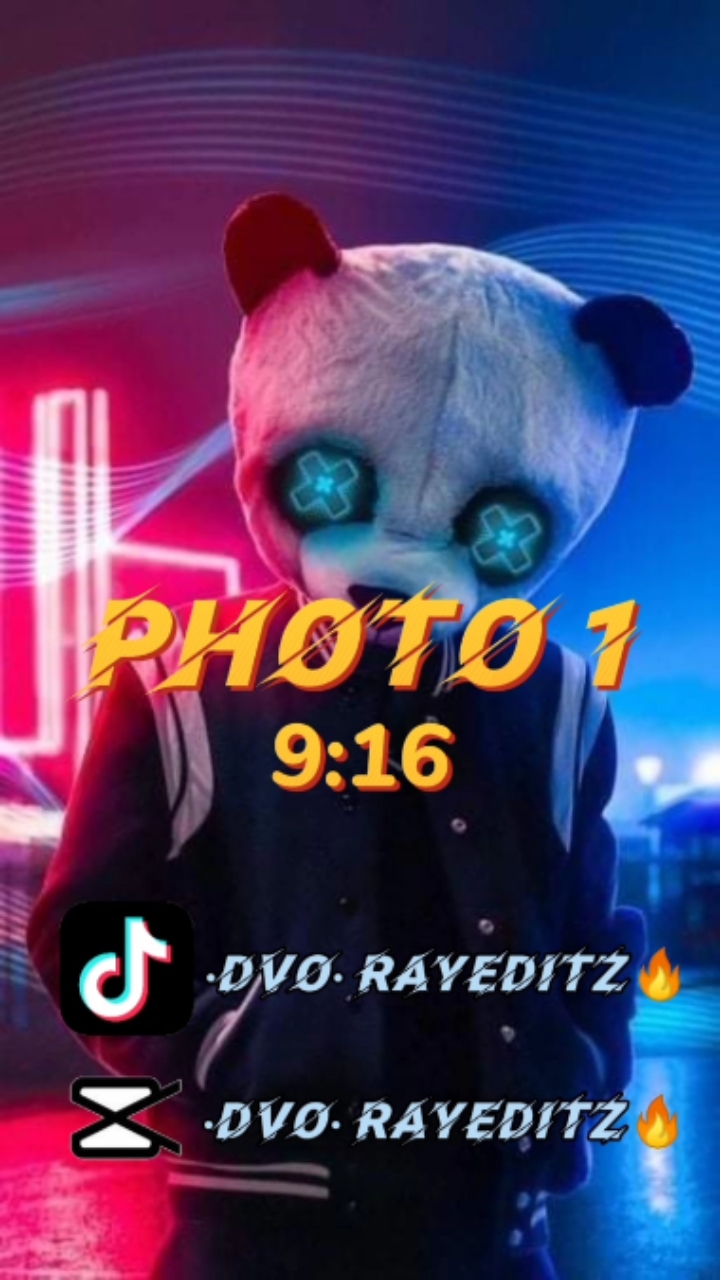
•DVO• RayEditz — 69 uses · 37 likes · 17 clips · aspect 9:16. Older RayEditz-branded listing.
-
THE END 2026 — creator Sasa [GM] · 54 uses · 9 likes · 37 clips · aspect 16:9.
-
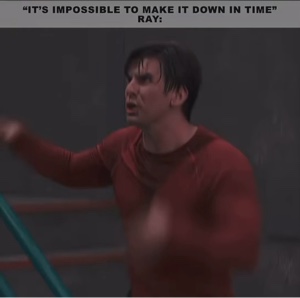
Ray edit — creator AZ44N🇵🇰 · 51 uses · 62 likes.
-
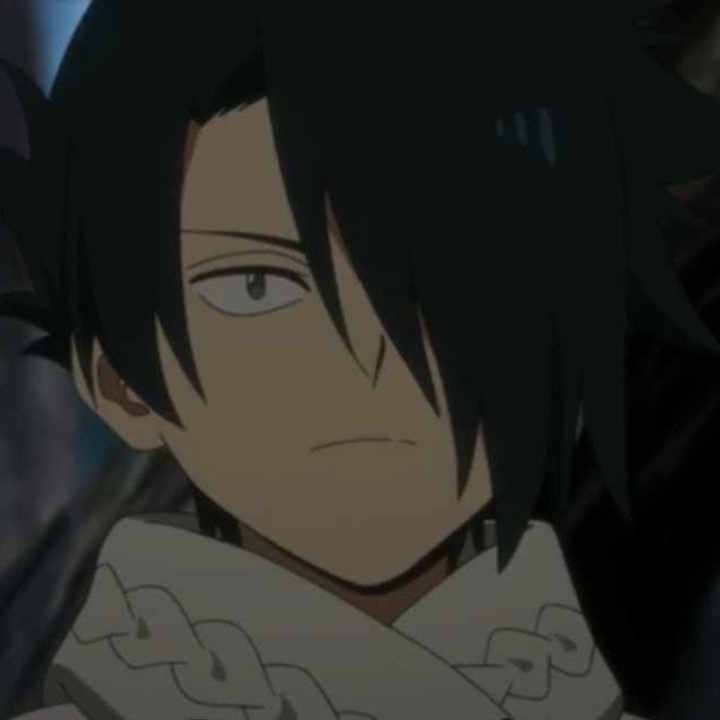
Ray edit — creator Ehiaint2worriedabt · 8 uses · 65 likes · 15 clips · aspect 1:1.
-
NEW TREND EDIT — creator VEX EDITZ · likes 2 (uses not shown) · 10 clips · aspect 1:1.
How to use this list: pick the row whose preview matches the reel you saw, open Use template on CapCut, fill every required slot, then export. If none match, search CapCut for the creator name from the reel.
What “Ray Edits CapCut template” usually means
Three things get mixed together:
- Ray Edits (and similar sites) — articles that collect CapCut template links, VN QR codes, and editing ideas.
- CapCut templates titled “Ray edit” / “New Trend Edit” / “2026 Memories” — many user-made templates share those names (see the list above).
- The specific reel you watched — the only reliable match is the full preview (scenes, timing, creator), not the search phrase alone.
How to find and open the matching CapCut template
- Watch the full preview on CapCut (or a finder that embeds the same CapCut preview). Check opening, mid, and ending — not only the thumbnail.
- Confirm name and creator on the CapCut template-detail page.
- Open the original in CapCut. Prefer your system browser if an in-app browser fails.
- Add the media the template requests. Crop so the subject stays in frame after effects.
- Preview timing, framing, and sound, then export. CapCut controls availability, effects, and any paid features.
If the link will not open: update CapCut, try another device or region, or return to the creator’s post for a newer link.
CapCut template vs VN QR code
They are not the same. CapCut template links open CapCut. VN QR codes are for the VN editor. If the reel mentions VN or a QR code, use VN resources — CapCut will not load that project.
When a CapCut template is the right tool
Use CapCut when you already have clips or photos and want that edit’s cuts, text, effects, and timing. Ordinary replaceable slots apply a layout; they do not by themselves turn a still portrait into a full party performance unless the template’s own AI effect clearly does that in its preview.
When a photo-to-party workflow fits better
Choose a photo-and-reference workflow when you only have one authorized adult portrait and want to become the lead in a recognizable party scene — without filming the moves yourself.
That is what Burning Bridges Studio is built for: upload one photo, run a preset Burning Bridges party template, wait for generation, then download an ~15s 720p MP4. See how to make a Burning Bridges AI video, example outputs, and photo tips.
After you have an MP4, you can still finish captions or framing in CapCut. Generation and finishing are separate steps.
Sound and posting
A CapCut template link is not a music license. CapCut export audio, platform trend sounds, and any generated party audio are different choices. Burning Bridges Studio includes generated party audio on new MP4s; it is not a Drake song license. For posting on TikTok or Reels, review how to add the Burning Bridges sound.
FAQ
Is there one official “Ray Edits CapCut template”?
No. The search points at CapCut resources promoted through Ray Edits-style posts and at similarly named CapCut templates. Use the list above as starting CapCut links, then match by preview, name, and creator.
Do you host or sell those templates?
No. Every item above links to CapCut’s own template-detail page. CapCut and the template creator control the project. Burning Bridges Studio sells one-time credit packs for its own photo-to-video generation.
Why doesn’t the template from my reel appear?
The reel may point at several resources, an expired link, or a region-limited template. Compare previews carefully. If nothing matches, search CapCut with the creator name from the reel, or use a photo-to-video route if your goal is a party performance from one portrait.
Can I use Burning Bridges Studio instead of CapCut?
If you need CapCut’s exact cuts on your own footage, stay in CapCut. If you need a new party performance from one photo, use the Studio homepage. Many people generate first, then optionally edit the MP4 in CapCut.
Before you continue
- Open a CapCut original from the list (or a better match) and watch the full preview.
- Use CapCut when you are replacing slots in an existing edit layout.
- Use Burning Bridges Studio when one portrait should become the party lead.
- Check sound and licensing before you post.
Upload a photo on the Burning Bridges homepage and the system generates a video with preset AI prompts.